
Popwork Update: Team Pulse, AI Reviews, People Insights & the Popwork MCP

A lot has happened at Popwork since our last update. Since April, we've shipped a new way to read your team's pulse, opened two betas, and connected Popwork to your AI assistant. Here's what's new.
Team Pulse: see how your team is doing at a glance
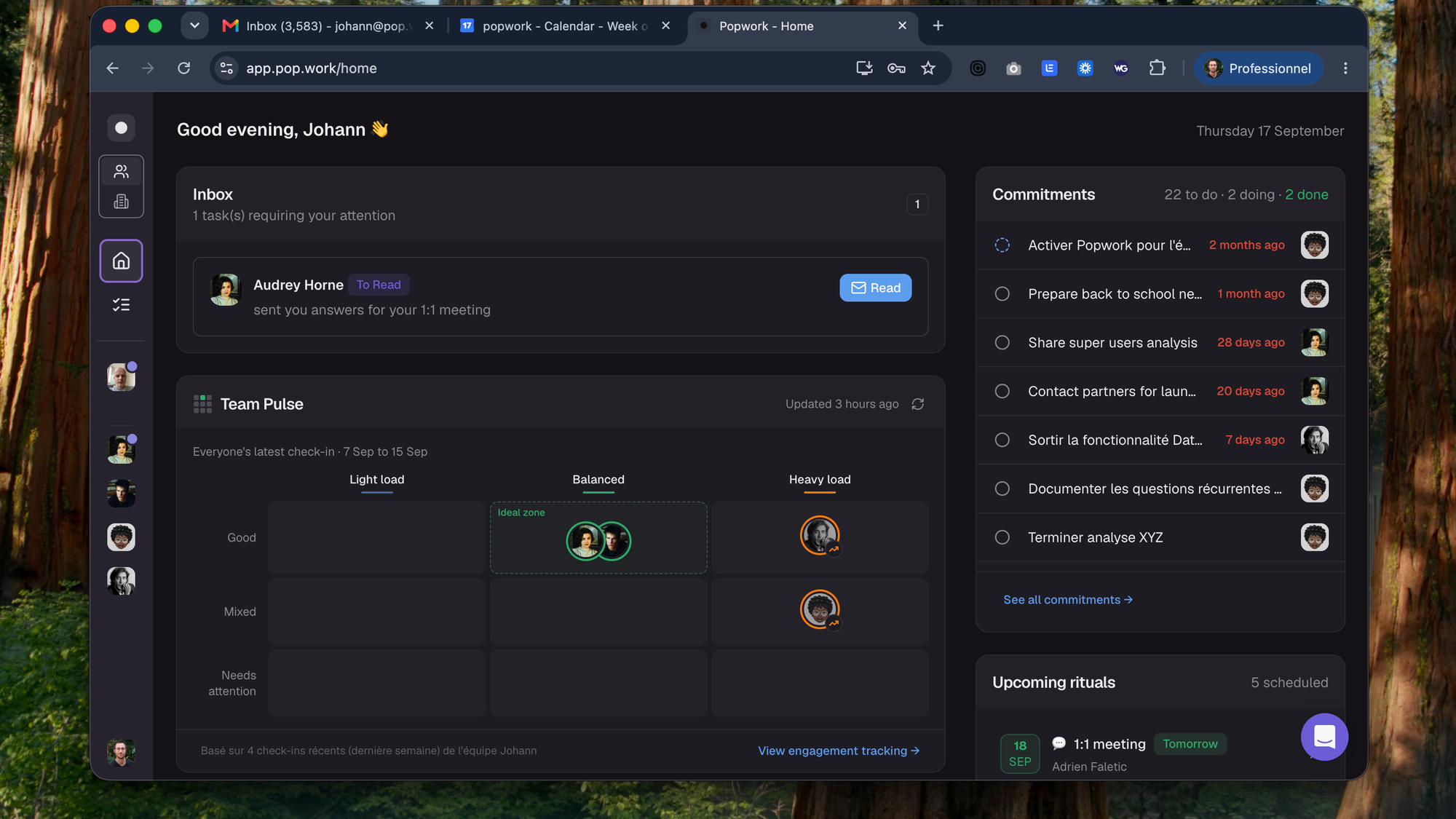
The biggest thread this season is helping managers see how their team is doing without digging.
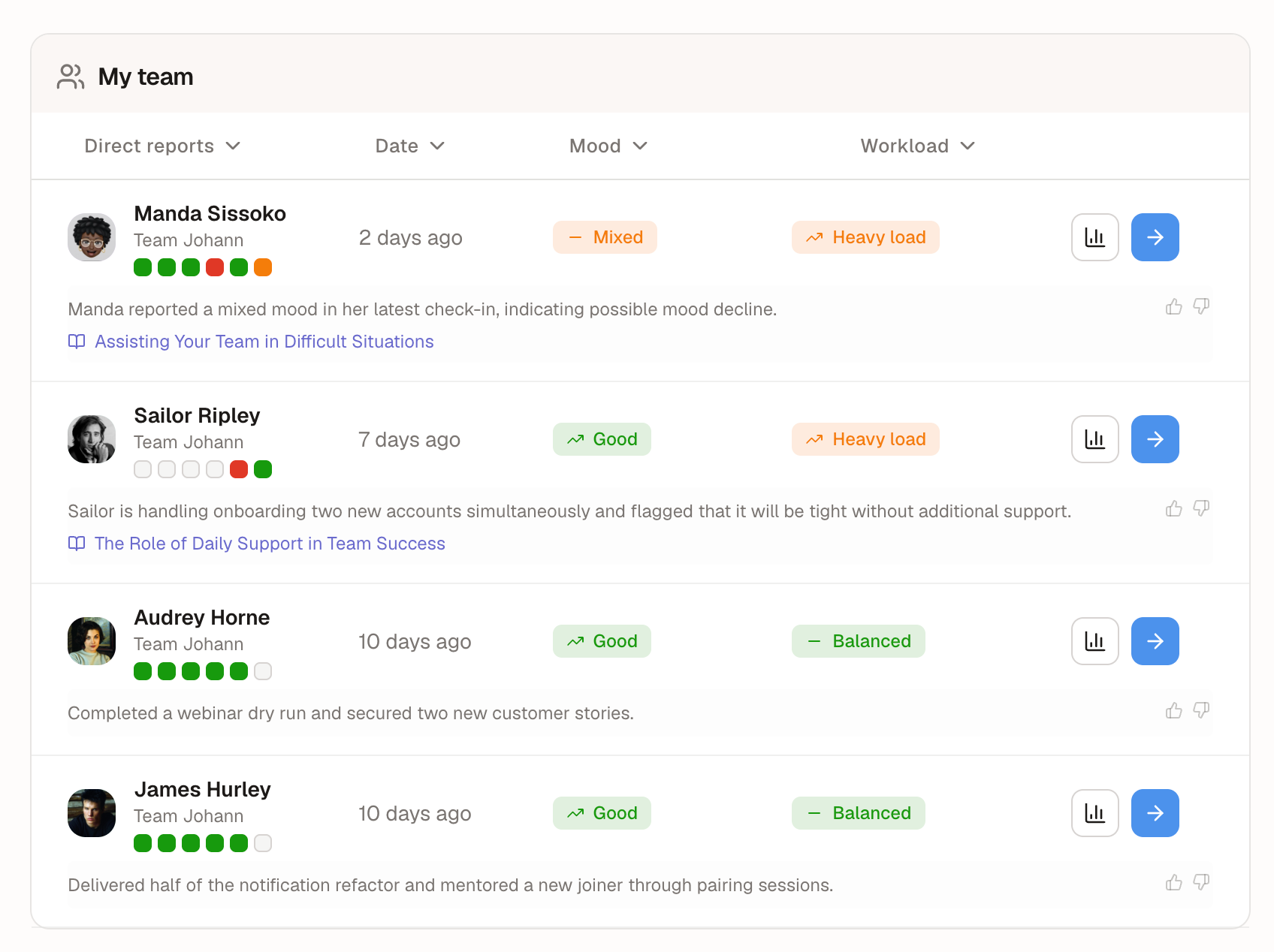
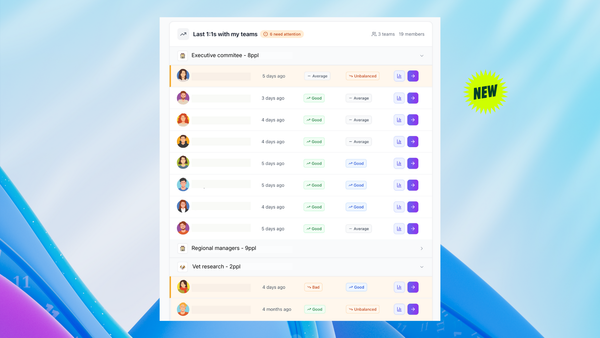
It started in April with the Team Pulse Dashboard, which combines quantitative and qualitative analysis of your team, an executive summary for each team member, and contextual management tips based on their recent answers. In June, we added color-coded blocks (green, amber, red, or grey when a check-in was skipped) so you can read each person's recent trend in a glance.
This month, we're taking it further:
- A new Team Pulse matrix on the manager home page places each team member on two axes, mood and workload. Click anyone to see a quick summary of what's behind their position.
- Clearer workload tags, in the matrix and in the Team table.
- Redesigned management tips, easier to scan and act on.
- Reworked check-in summaries. Every ritual now automatically includes a summary of key information, plus mood and workload trends.
→ See the Team Pulse release notes
A sharper Mood question, powered by AI
Mood is the question that tells you the most, so we made it smarter. Based on a team member's previous answers, Popwork's AI now selects a few new keywords from a list of expert-curated mood words.
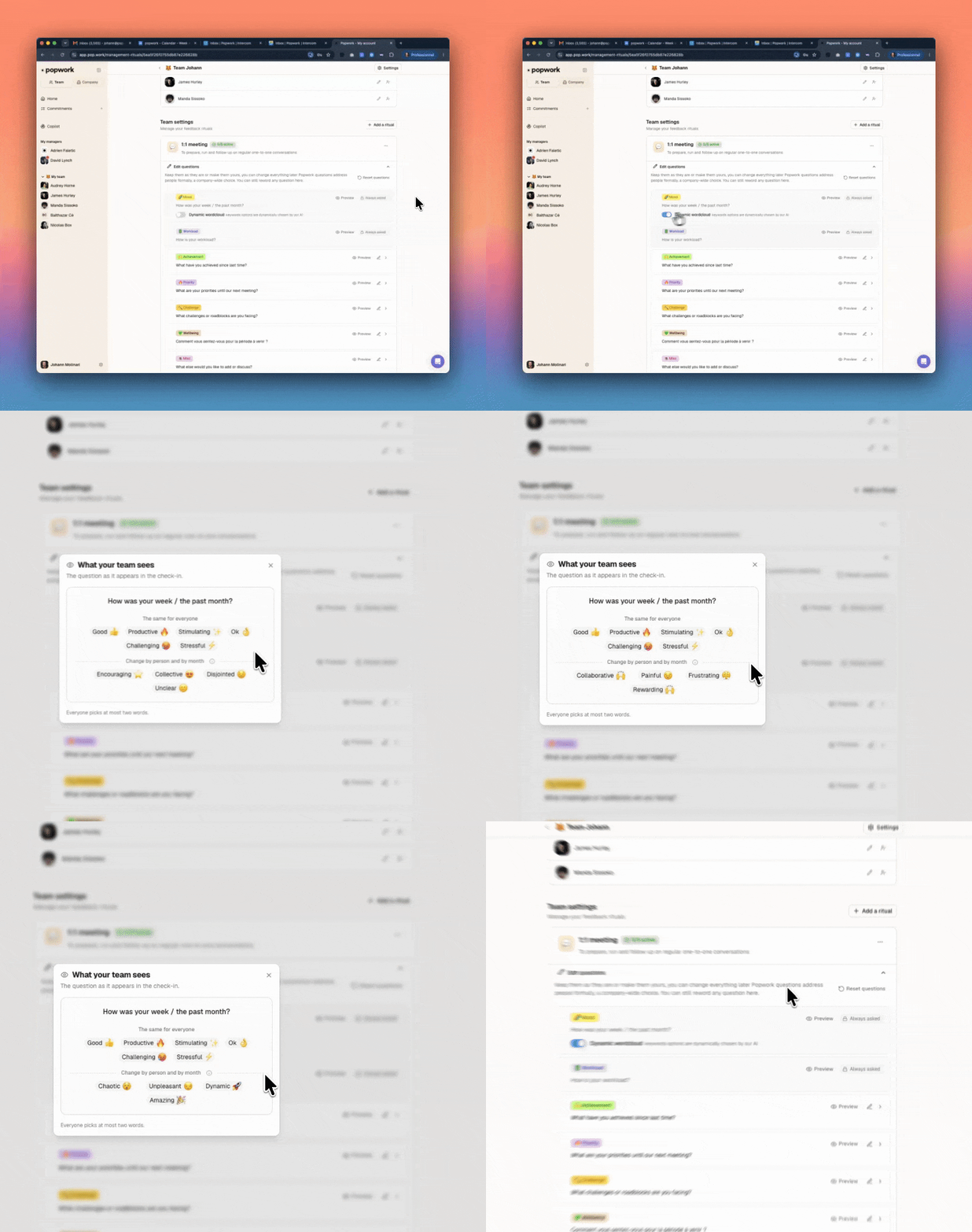
Employees get more nuanced ways to say how they feel, and managers get a sharper read on sentiment.
It's rolling out gradually. To check whether you have it, go to Team settings > 1:1 meeting > Questions and toggle the option on for the Mood question.
Build your own rituals
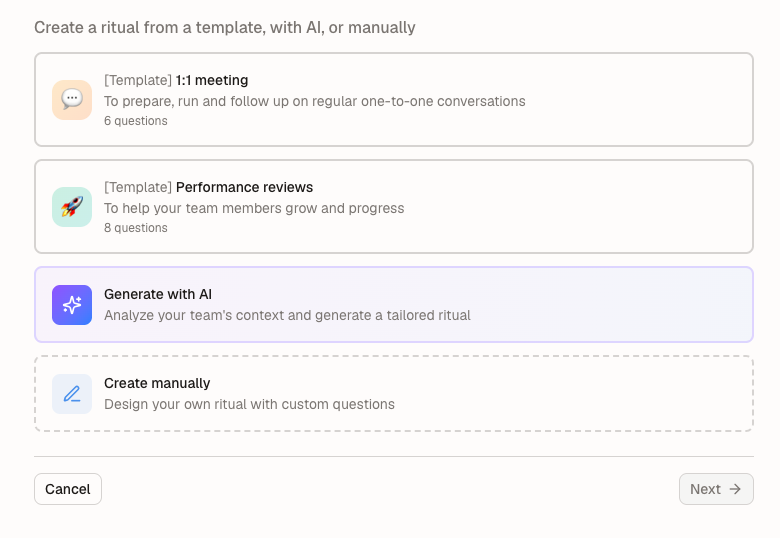
Managers can now create custom rituals for their teams, starting from an existing template, from AI-suggested templates, or from a blank sheet. Go to Team settings > "Create a ritual".
AI Reviews (beta): your year, backed by facts
Preparing an annual review usually means digging through months of messages, emails and notes. AI Reviews (AIR) starts the work for you.
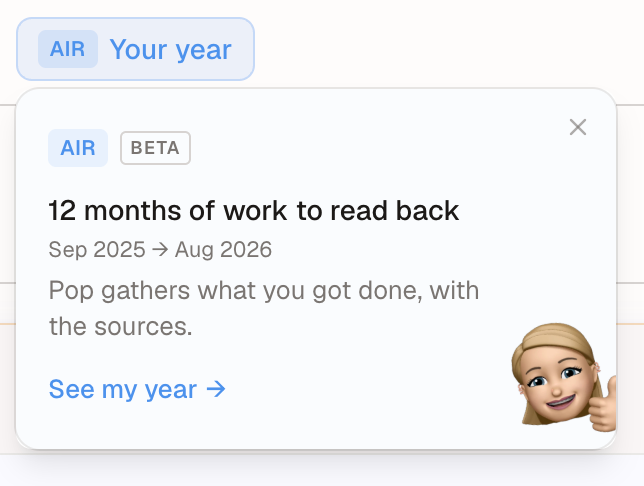
Each user in a company enrolled in the beta can launch their own review from the AIR card on the Home page ("See my year") or from the "AIR — Your year" tab of a 1:1 relationship.
- Connect your sources. Popwork data is included by default (1:1s, feedback, goals and commitments from the year). You can add Slack, Google (sent emails and calendar) and, optionally, Linear.
- Pop writes a first draft. You get one answer per review question, each backed by cited facts. It takes about 10 minutes, and you can close the page while it runs.
- You review and edit. Nothing is shared without your approval.
People Insights (beta): Popwork signals meet your HRIS data
For HR and leadership, People Insights crosses Popwork signals (mood, workload, hot topics) with your HRIS data (organization, teams, tenure, span of control) to show which teams are slipping, how cohorts differ, and what needs a company-level answer.
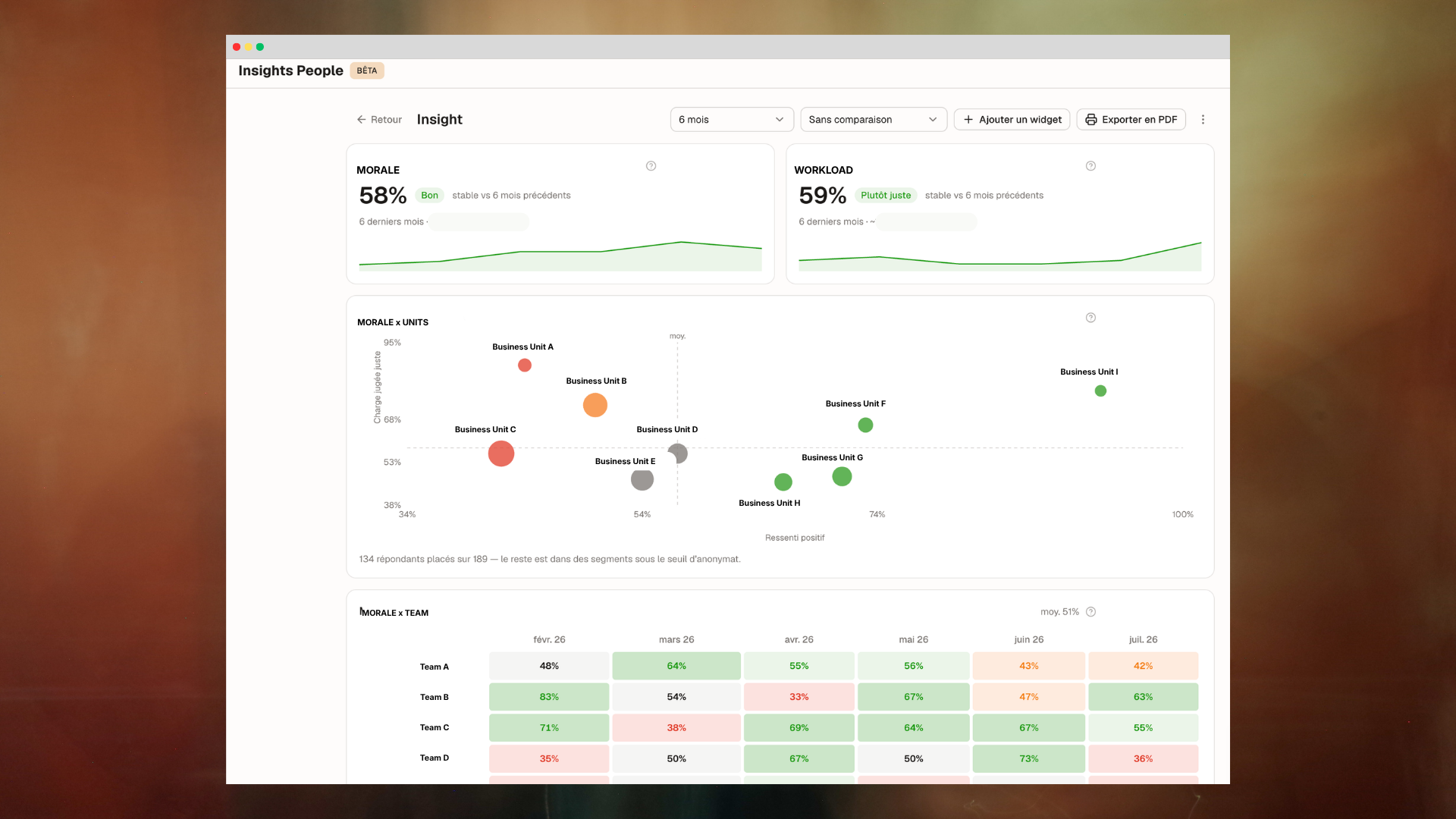
- Build your own dashboards with the dashboard and widget builders, with dedicated views for executives, CHROs and HRBPs.
- A monthly leadership report with an AI-generated summary of the period, mood, workload, areas of vigilance and heatmaps.
- Anonymity built in. Segments under 3 respondents are never shown (the default threshold, which your Account Manager can adjust).
The beta is available to Admin users of companies that have activated it, under Company > People Insights. Request access here.
→ Read the help center article
The Popwork MCP: ask your AI assistant about your team (beta)
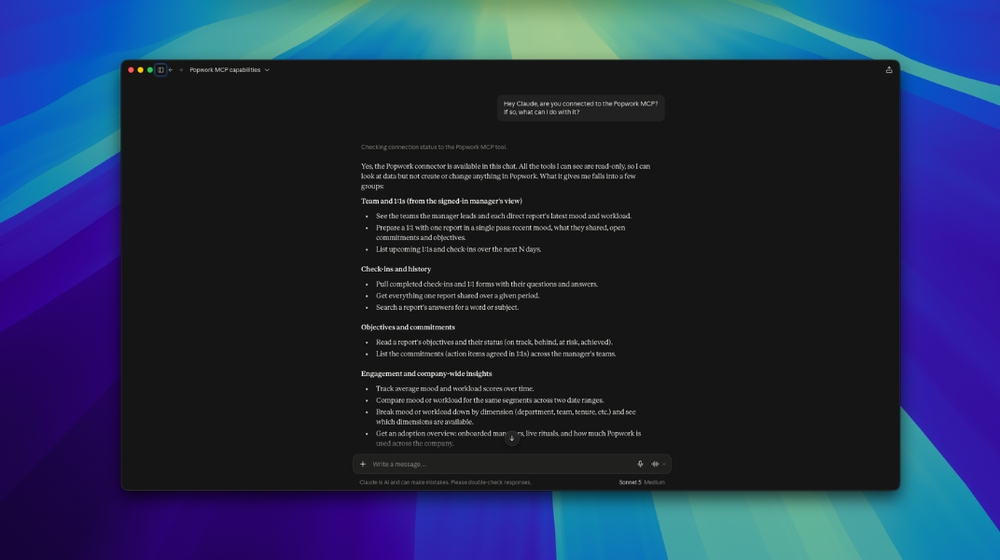
Popwork now connects to AI assistants like Claude through the Model Context Protocol (MCP). Once connected, you can ask questions about your team in plain language and get answers grounded in your Popwork data.
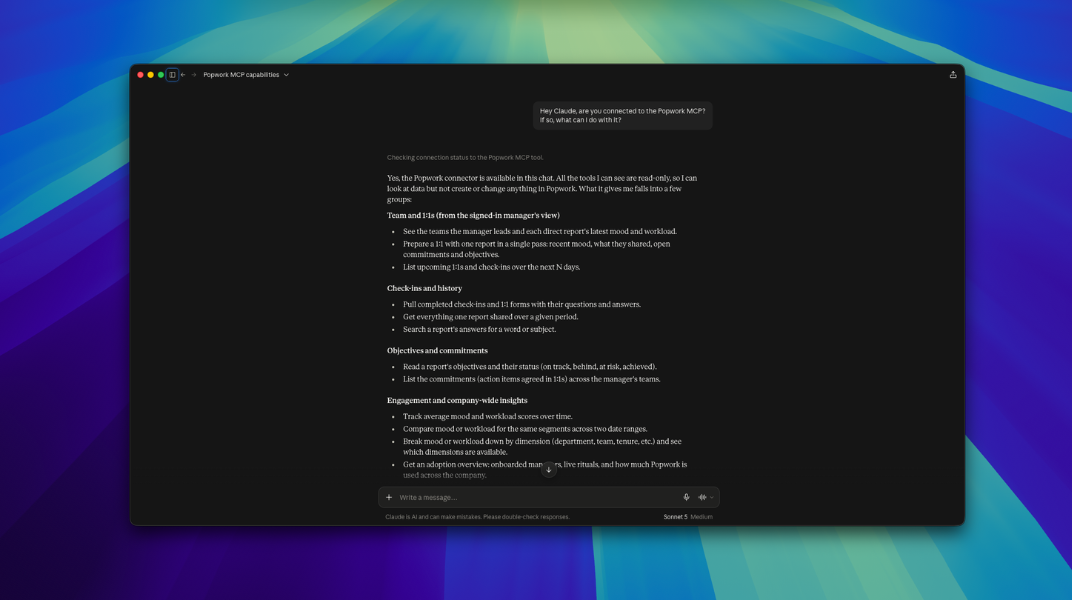
Here is what it can do today:
- Prepare a 1:1 in one question. For any direct report, get how their mood and workload moved over recent check-ins, what they wrote last, their open and overdue commitments, and the next scheduled 1:1.
- Understand the why. Read a team member's history over a period, or search "has anyone mentioned workload?" across all check-ins and comments.
- Stay on top of commitments. See what's overdue, due soon, later or without a date, and what was recently completed.
- See what's coming. List your upcoming 1:1s and check-ins.
- For admins: read the organization. Explore engagement, and break down or compare mood and workload by department, team, tenure and period, with the same anonymity threshold as People Insights.
You get answers in your own language, and each user only sees the data they already have access to in Popwork.
Control, clarity and small upgrades for admins
- Permissions & visibility panel. Start from a preset (Standard, or Minimum control), then fine-tune what managers and employees can do. Find it in My company > Permissions & visibility.
- Redesigned Engagement Tracking. Navigate your org chart breadcrumb-style and see each direct report's Sentiment and Charge scores side by side.
- New Company menu. A redesigned switcher between Team and Company views, with key settings easier to reach.
- Form of Address setting. Choose the standard "tu" or "vous" (and equivalents) for your company so Popwork's questions match your culture.
- Invitation tracker. See whether invited managers are invited, connected, activated, or need a resend.
- Italian. Popwork is now available in six languages: English, French, Spanish, Italian, Dutch and Portuguese.
- Increased security. Additional measures to protect your data.
Everyday polish
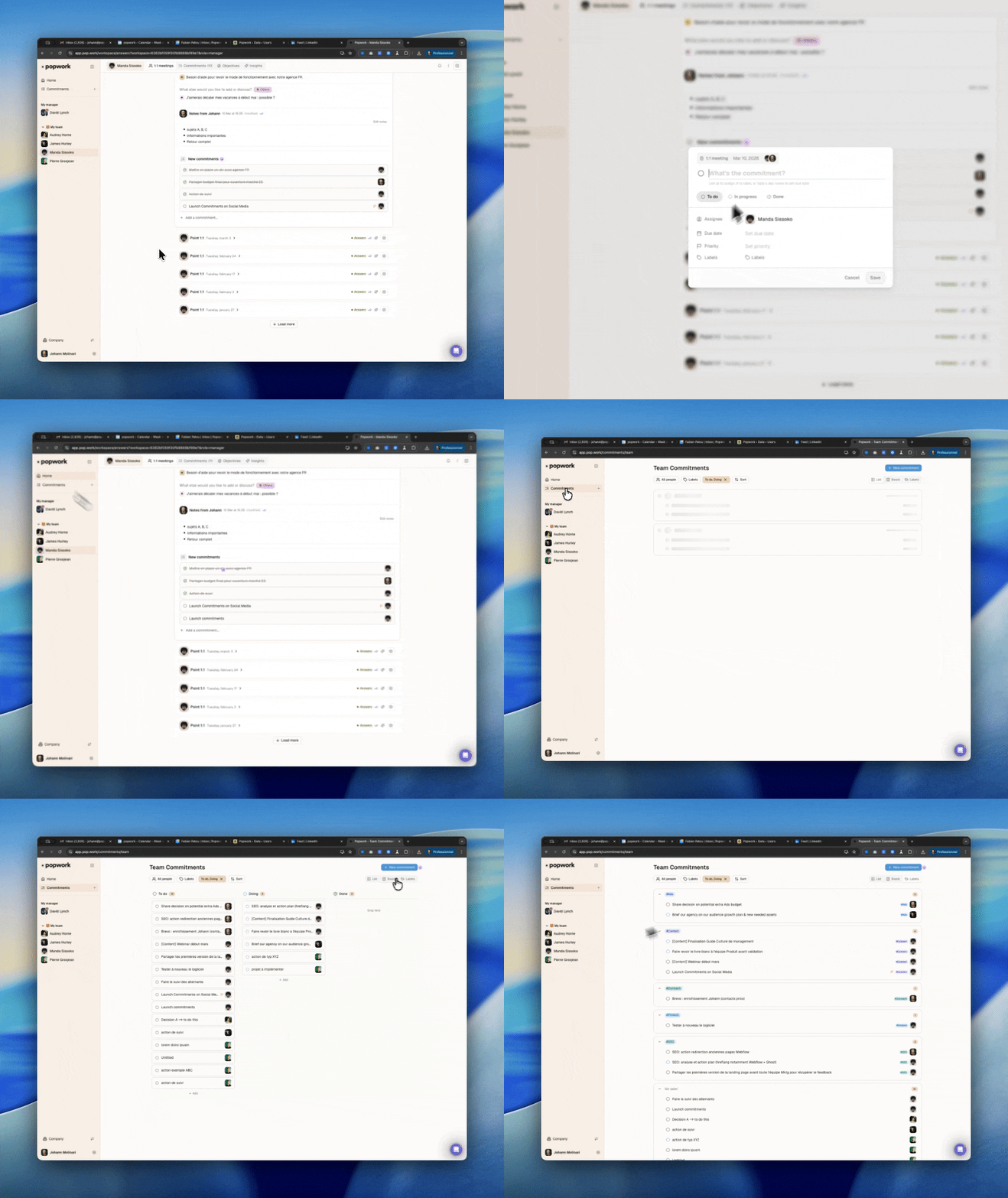
- Commitments Calendar View. See your commitments organized by due date in the Calendar tab of your workspace.
- Individual questions and question editor. Add a one-off question to any upcoming ritual, manually or with a smart suggestion.
- Filters and comments redesigned. Filters are organized in columns, and you can comment by clicking anywhere on an answer.
What's next
The betas are open to feedback, so if you'd like access to AI Reviews, People Insights, or the Popwork MCP, fill out this form and our team will get back to you asap.
 Français
 English
 Français